Log#
Available onDesigner LPC FamilyDesigner VLC FamilyExpress
The device's log, with a row per message.
The log level is set with the drop-down above the log view. This changes the device's actual log level, rather than filtering. The Maintenance permission is required to make an adjustment to log level.
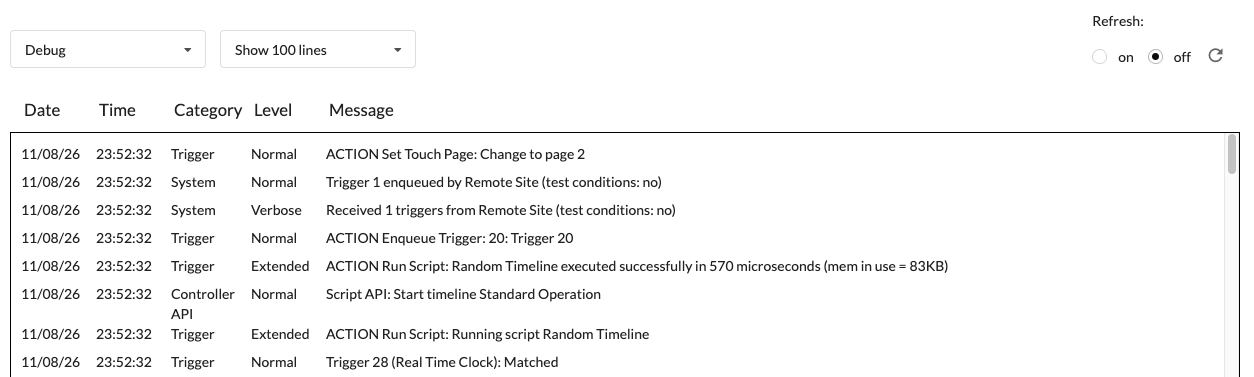
Adjust the number of log messages shown at a given time. Note that larger log line amounts may cause performance issues on the device.
Note
Refresh is off by default, to keep network traffic down. On page load the device publishes its most recent messages, and after that nothing updates until you refresh manually with the arrow in the refresh settings - which asks the device to publish again.