Activity logging#
Activity Logging shows site owners how and when users have interacted with a site. The tab is visible to site owners only.
Generating and viewing logs#
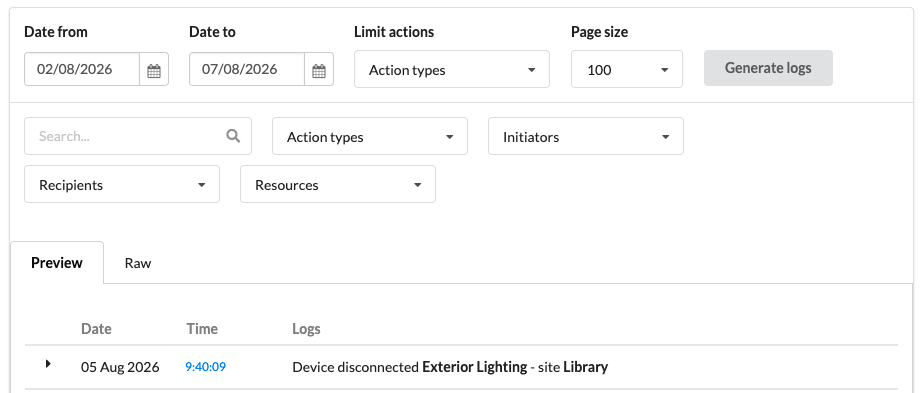
- Choose a start and end date for the logs to cover.
- Optionally filter by action type before generating.
- The results appear in a table, which can be narrowed further with the search box or by attributes such as initiator and recipient.
Activity logs can sometimes take a while to generate. Once they have been generated, they can be filtered further with a text search or by filtering across a range of attributes.
The Raw tab exposes the displayed messages as JSON, so they can be copied into other tools for parsing.