Subscription#
The Subscription tab shows every user in a site the state of its subscription.
Subscription status#
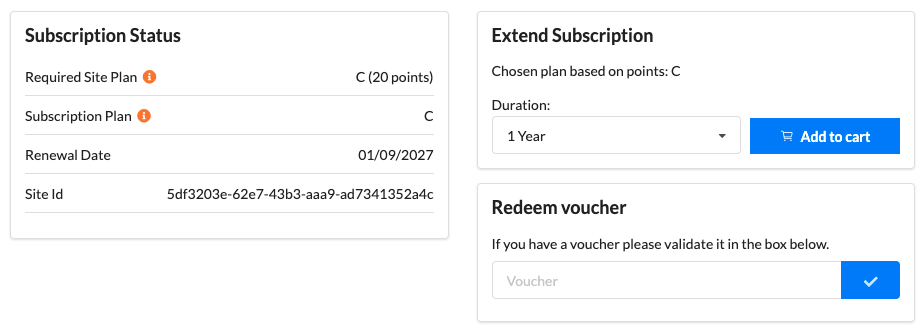
| Field | Meaning |
|---|---|
| Required Site Plan | The plan this site needs, calculated from the points total of its devices |
| Subscription Plan | The plan currently active. It should equal or exceed the required plan. Change it by purchasing a subscription |
| Renewal Date | The date the site moves into Standby mode if it is not extended |
| Site Id | A unique identifier for the site, used for commercial and support purposes |
Quote the Site Id when contacting us about a site.
Extend subscription#
If a subscription needs to be extended, simply select a duration from the drop down and add that subscription to the cart. You can then checkout to generate a voucher for the site. Learn more about vouchers.
Sites in standby can follow these same instructions to move them back to active.
Redeem voucher#
If you already have a voucher, follow these steps:
- Paste the voucher into Redeem voucher and validate it.
- Check the subscription plan and length.
- Check the projected renewal date and plan.
- Redeem the voucher.